Apple Health
The simplest place to startBring in the sleep, heart rate and activity you choose to share from Apple Watch and compatible apps.
On your iPhone BaselineGet the app
Understand your recovery, sleep and heart health through the history that makes you, you.
For iPhone · iOS 17+ · Available on the App Store
Built around you.
Your history stays on your iPhone.No account required to start.Sleep, heart rate, recovery. Your wearable records the moments. Baseline brings them together, learns your usual range, and helps you notice what meaningfully changes.
See the story behind your numbers, from last night’s sleep to the patterns taking shape over time.
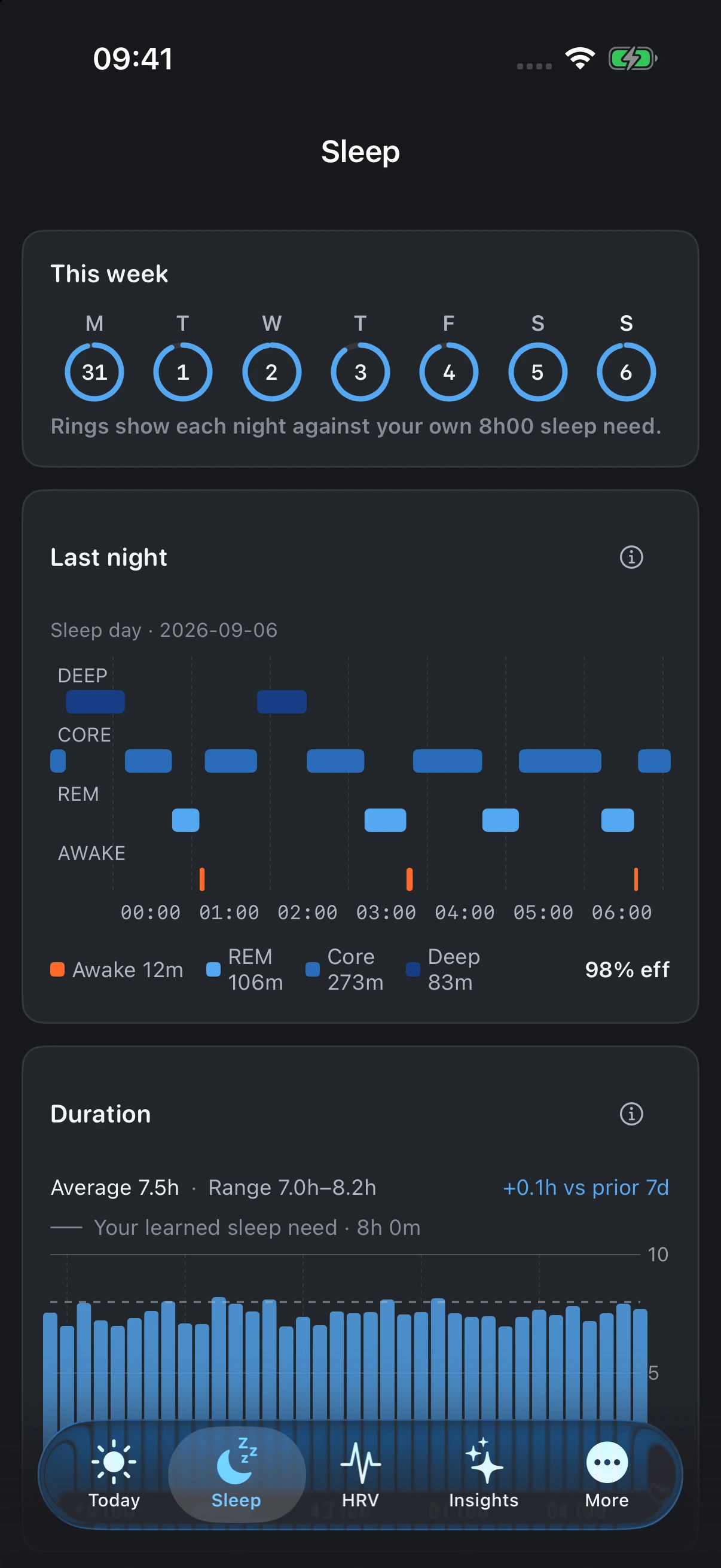
See your sleep duration and stages alongside recent nights. Find the patterns that a single night's total can miss.
Find your connectionFollow heart rate variability over time, with your own history as the reference. Changes mean more when you can see where they began.
Find your connection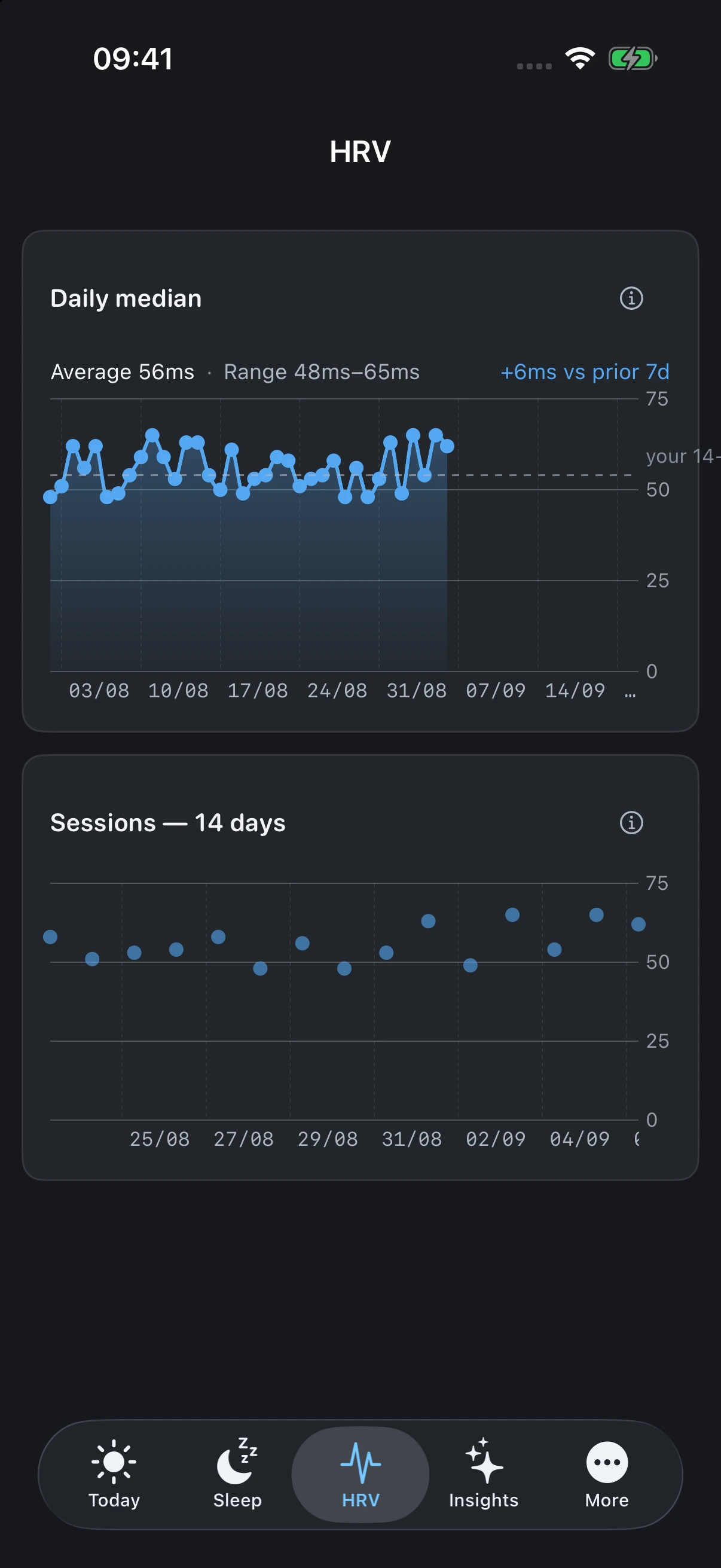
Actual app screens · illustrative data
A steady morning. A lighter session. A closer look at a changing pattern. More context for the choices that are yours to make.

Start where your data already lives. Baseline turns compatible sources into one personal picture.
Bring in the sleep, heart rate and activity you choose to share from Apple Watch and compatible apps.
On your iPhoneConnect supported Polar 360, H10/H9, OH1 and Verity Sense devices directly for the data they provide.
Direct connectionSync supported QRing-compatible rings into the same history, with clear source selection across devices.
Direct connectionAvailable metrics depend on your device, its app and the permissions you grant. Not every wearable or ring is supported.
Health history is saved on your iPhone first. Core views work without an account or connection.
Paid Baseline Cloud is an optional extension. Cloud copy and Cloud AI are separate, optional choices. You decide what to enable, and you can subscribe in the app or manage it from the web.
Calibration, missing data and freshness stay visible. An incomplete picture should look like one.
A desktop view of the same personal history — nothing built yet. If you'd use one, tell us and we'll let you know first.
Start with the history you already have.
Let the picture build from there.
Available now on the App Store.